
Ask for reviews automatically, get more feedback – Responsly AI
When customers are pleased with an experience, they may be willing to share it, but many will not think to leave a review without a gentle reminder. To ask for reviews automatically, set up a clear process that sends the right message after a meaningful customer interaction.
How to ask for reviews automatically?
Start with the right moment
The timing of a review request matters. A customer may not be ready to comment immediately after signing up or making an inquiry. A better moment could come after a service has been completed, a question has been answered, or the customer has had enough time to use what they received.
Choose one event that shows the customer has reached a natural point in the relationship. This event becomes the trigger for the request. For example, a business might send a message after a confirmed appointment, a completed support conversation, or a finished project.
Choose a clear review process
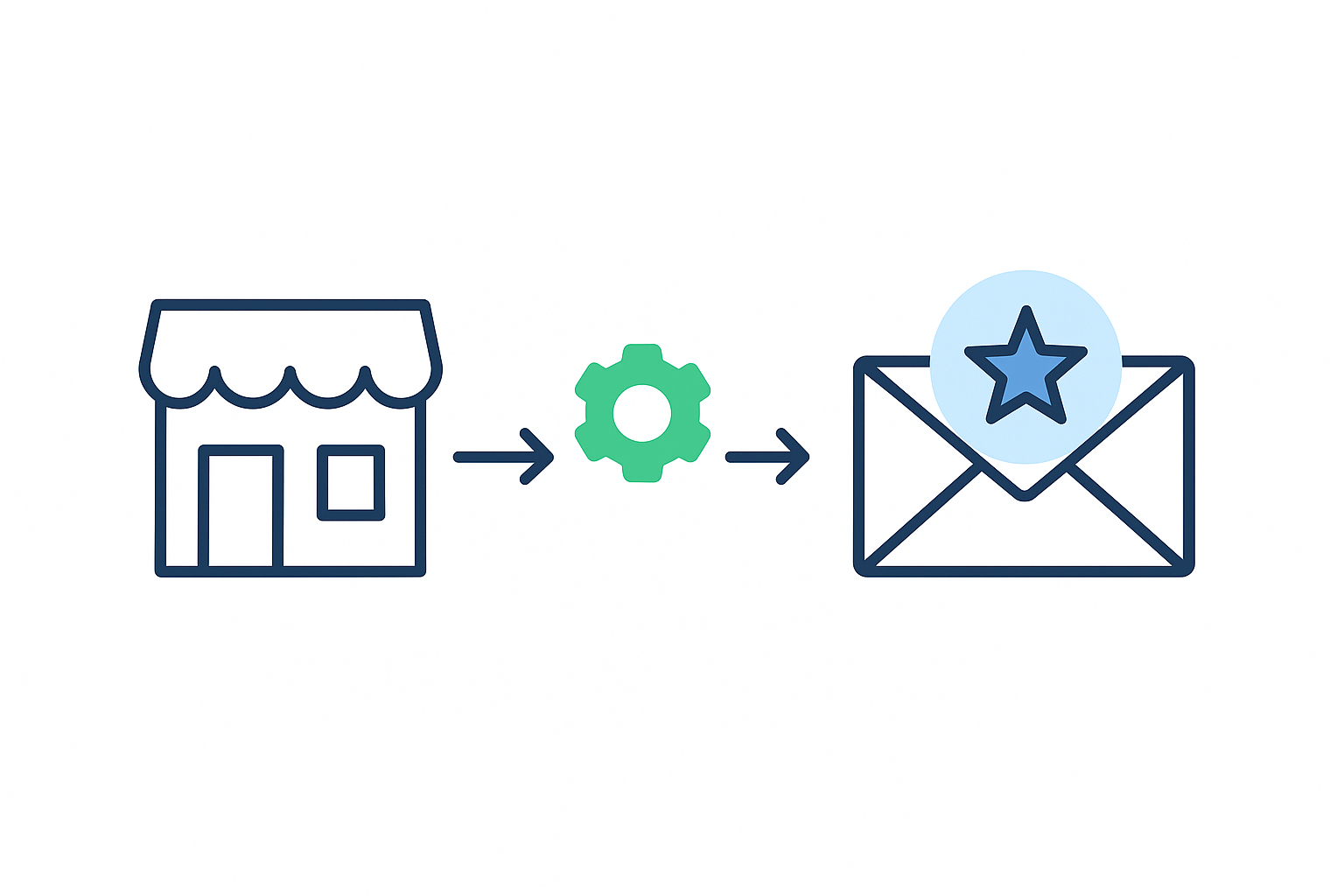
A review process usually has four parts:
- A customer reaches a defined stage.
- The system waits for a chosen period.
- The customer receives a short request.
- A reminder is sent only when it is appropriate.
Before setting this up, write down the event that starts the process, the waiting period, the communication channel, and the number of reminders. This prevents customers from receiving repeated requests for the same experience.
Tools with survey and feedback features can help you arrange these steps in one place. You can review available features to see which options match the process you have in mind.
Write a request people can understand
The message does not need to be long. Tell the customer why you are contacting them, ask for an honest review, and provide one clear way to respond. A simple message could say:
Thank you for choosing us. If you have a moment, please share your honest experience in a review. Your feedback helps us understand what worked well and where we can do better.
Avoid asking customers to use specific words or give a positive rating. The purpose of the request is to invite their own view. Clear language also makes the message feel more personal, even when it is sent by a system.
Use the channel your customers already read
Email can work well when customers already receive account or service messages there. Text messages may suit situations where customers normally communicate by phone. A website message can be useful when people return to their account after using a service.
Use one main channel at first. Sending the same request through several channels at once can feel intrusive. If a reminder is needed, change the wording slightly and leave enough time between messages.
Give customers a simple path to respond
Too many steps can discourage a response. Link directly to the review page or place the review option where it is easy to find. If the customer must search for the right website, sign in again, or choose from several destinations, many will leave before finishing.
Keep the request separate from other announcements. One message with one purpose is easier to read and act on.
Make room for private feedback
Some customers may prefer to explain a concern directly rather than post a public review. Include a private feedback option when appropriate. This gives people another way to share details and can help your team understand the situation.
Private feedback should not replace a genuine review request or be used to prevent unhappy customers from speaking publicly. Ask every relevant customer in the same fair way, then respond respectfully to the feedback you receive.
Set limits and protect customer trust
Review requests should stop when a customer has already responded. They should also stop when someone has asked not to receive further messages. Keep contact details protected and explain how feedback information will be used. The privacy policy can provide a useful reference when reviewing how personal information is handled.
It is also worth checking the rules of the review platform you use. Some platforms restrict incentives, selective review requests, or wording that pressures customers to leave a favorable opinion. When in doubt, keep the request neutral and ask for an honest experience.
Check the process before it reaches customers
Send a test request to your own address before turning the process on. Check the sender name, message wording, timing, links, and unsubscribe option. Confirm that the review page opens correctly on both a phone and a computer.
Then watch the first messages closely. Look for duplicate requests, messages sent at unsuitable times, or customers who receive a request before their experience is complete. Small changes to the trigger or waiting period can make the process feel more natural.
When the process is ready, record which customer event starts the request and review the setup regularly. A change in your service can make an old trigger unsuitable, especially if customers now need more time before they can give a meaningful opinion.