
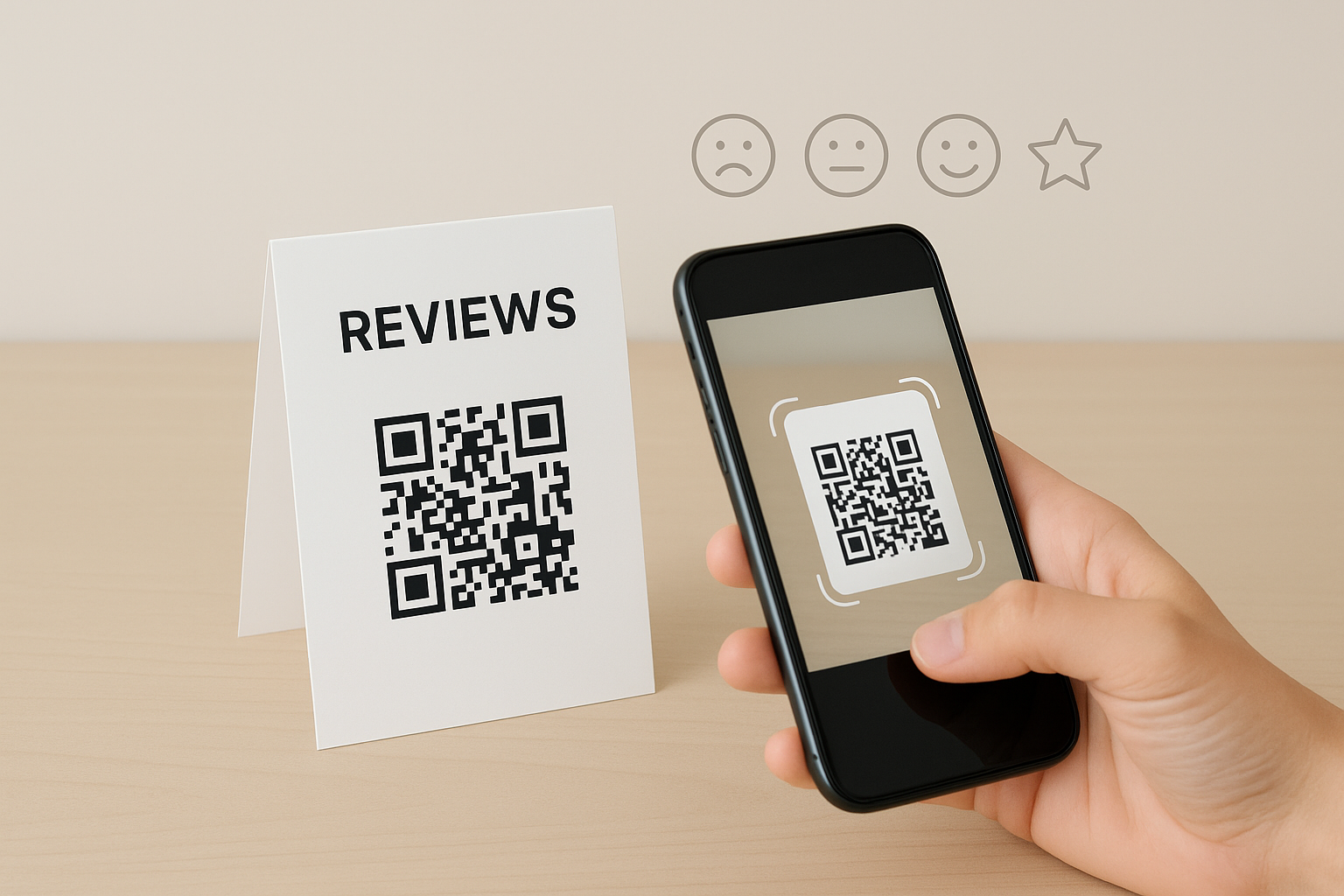
qr code for reviews – get more feedback – Responsly AI
A customer may be willing to leave feedback but forget before finding the right page. A qr code for reviews gives them a direct path from a table card, receipt, sign, or follow up message to the place where you collect comments. The key is to make the scan easy, choose the right destination, and ask at a natural moment.
How to use qr code for reviews?
Choose the review page first
Before creating a QR code, decide where you want people to leave their reviews. This could be a review form, a feedback page, or another page that accepts customer comments. The code should open that page directly rather than sending people through several steps.
Check the page on a phone before sharing the code. Make sure it loads properly, the review instructions are clear, and the visitor can understand what to do next. Ask someone who has not seen the page before to test it. Their experience can reveal confusing wording or an unnecessary step.
Create a clear qr code for reviews
A QR code stores a web address in a pattern that a phone camera can read. You can create one using a QR code service, then connect it to the review page you selected. Keep the destination address unchanged after printing whenever possible. If the address changes, an existing printed code may no longer lead to the intended page.
Use a size that people can scan comfortably from the distance where the code will appear. Leave clear space around it so nearby text, images, or borders do not interfere with the scan. Test the printed version under the lighting conditions where customers will see it.
The code should not stand alone. Add a short instruction such as “Scan to share your feedback” or “Tell us about your visit.” The wording should explain the purpose without making the customer feel pressured to leave a positive review.
Place the code where the experience is fresh
Placement affects whether people notice and use a qr code for reviews. A small card beside a checkout area, a sign near an exit, or a message sent after an interaction may be suitable, depending on how customers communicate with your business.
Keep the surrounding message brief. A long paragraph can make the code harder to notice. You can mention how long the form takes only when that information is true and easy to confirm. If the review page requires an account or another step, explain that before the scan so the request feels open and respectful.
Ask at the right moment
A review request usually makes more sense after a customer has had enough time to use your service or consider the interaction. An employee can point to the code when the conversation naturally turns to feedback. A printed card can also give the customer space to respond later.
Avoid placing the code where people may feel watched while writing. Customers should be able to share honest comments without feeling that staff are waiting for a particular rating. Honest feedback can point to details that are easy to miss during a busy day.
Review the feedback you receive
A QR code only opens the door. Someone still needs to read the responses and look for repeated themes. Pay attention to comments about instructions, waiting times, communication, comfort, or any other part of the customer experience mentioned often.
Keep the review request separate from the experience itself. Do not offer a reward for a particular opinion, ask people to change a rating, or suggest that only satisfied customers should respond. A neutral invitation gives every customer the same chance to speak.
If your team needs a central place to plan feedback collection, you can review the available features and decide which approach fits your process. The QR code remains useful only when the page behind it is clear and the request reaches people at a sensible time.
Check the code regularly
Scan the code from different phones and at different angles. Check that the printed surface is not scratched, folded, faded, or covered by glare. Replace signs that no longer scan easily.
It is also worth checking the destination page from time to time. Look for changed instructions, broken forms, or wording that no longer matches the way your business gathers feedback. A short review of the complete path can prevent customers from reaching a page that does not accept their comments.
For more guidance on collecting feedback and managing related work, visit the Responsly blog. When customers can scan quickly, understand the request, and respond in their own time, the process feels more natural.