
Review funnel automation to get more reviews – Responsly AI
Review funnel automation helps you ask customers for feedback at a suitable moment, guide them to the right place, and keep private concerns from being overlooked. A good setup does not pressure people to leave positive comments. It creates a clear path for honest feedback and gives your team a chance to respond with care.
How to set up review funnel automation?
Start with the purpose of the funnel
Before choosing a tool or writing a message, decide what the funnel should do. You may want to collect feedback after a purchase, request a review after a completed appointment, or check in with a customer after support has ended.
Write down the event that should begin the process. This could be a completed order, a resolved support request, or a marked milestone in your customer record. The starting event should be clear enough that the same person does not receive repeated requests for one interaction.
It also helps to decide which destinations matter. You might send public review requests to one or more review websites while directing detailed complaints to a private feedback form. Keep the number of choices manageable so the message remains easy to understand.
Map the customer journey
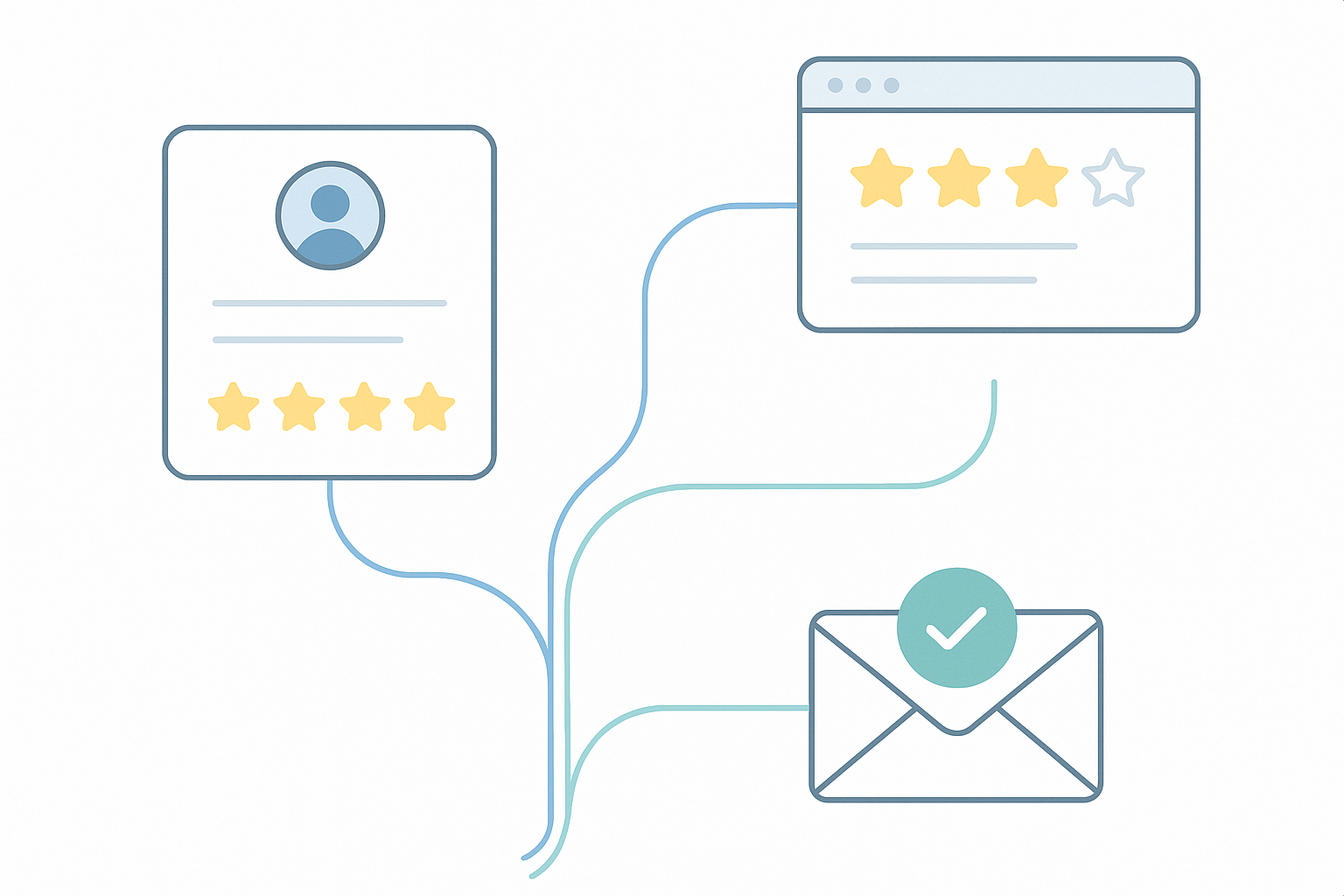
A review funnel usually has several stages. First, the customer receives a feedback request. Next, they share a rating or answer a short question. The next message or page depends on that response.
- Choose the event that starts the process.
- Send a short and courteous feedback request.
- Ask for a rating or a simple view of the experience.
- Guide satisfied customers to a public review page.
- Send dissatisfied customers to a private form where someone can respond.
This structure gives every respondent a route. Someone who had a good experience can leave a public review without extra steps. Someone who had a problem can explain what happened without feeling pushed toward a public comment.
Write a respectful first message
The first message should explain why the customer is being contacted and how much time the request may take. Use everyday wording such as, “How did your recent experience go?” A short question often feels more natural than a long explanation about why reviews matter.
Include a clear way to decline or ignore the request. Avoid sending several reminders close together. A person may be busy, may not remember the interaction, or may have already shared feedback elsewhere.
Timing depends on the type of interaction. A restaurant may ask soon after a visit, while a service provider may need to wait until the customer has had time to use the result. Set the timing according to the customer experience rather than sending every request at the same interval.
Build the rating step
The rating step should be quick to complete. You could use a number scale, a set of response choices, or one open question. Keep the first step small. If the opening form asks for too much information, fewer people may finish it.
Make sure each response leads to a defined next step. For example, a high rating can open a page asking for a public review. A low rating can open a private form asking what went wrong. A middle rating can invite the person to share more detail before they decide whether to post publicly.
Do not hide the purpose of the next step. If the customer is being asked to visit a public review website, say so plainly. Trust is easier to maintain when the path is visible.
Create separate paths for public and private feedback
Public reviews and private feedback serve different purposes. A public review gives other people an account of the customer experience. Private feedback gives your team information that may need a personal response.
For the private path, ask for enough detail to understand the issue. A name, contact method, order reference, or appointment date may be useful, but only request information that your team genuinely needs. Give the person space to describe the problem in their own words.
For the public path, make the action easy to recognize. Use wording such as, “Share your experience on our review page.” Do not ask customers to change their rating or suggest what they should write. The purpose of the funnel is to make feedback easier, not to control the outcome.
Choose a suitable tool and connect the steps
The tool you use should support the stages you have planned. Look for options that let you create forms, send messages based on an event, direct people according to their responses, and view submitted feedback in one place. You can review available features when comparing how a platform may fit your process.
Before connecting anything, write down the information that must pass between systems. This may include the customer name, contact details, interaction date, and response. Limit access to people who need that information to handle feedback.
Test each connection with sample records. Check that the correct person receives the request, that the right message appears after each response, and that private comments are not sent to a public page by mistake.
Set rules for timing and repeat requests
Timing rules protect the customer experience. Set a waiting period between the original interaction and the first request. Then decide whether a reminder is needed and when it should stop.
Add a rule that prevents duplicate requests when several events happen close together. For example, a customer who contacts support twice in one week may not need two separate review requests. A record showing the last request date can help your team manage this.
Also consider what happens when a customer has already responded. The funnel should not continue asking the same question after feedback has been submitted. Keep a record of the response and the date so later communication has the right context.
Protect privacy and handle concerns properly
Feedback forms often contain personal information. Tell respondents what information you collect and why. Keep the form limited to the purpose of the request, and explain how they can contact your team about their data. Your privacy policy can provide a useful reference when reviewing these points.
Decide who receives negative feedback and how quickly it should be reviewed. A funnel can direct a concern to the right inbox, but a person still needs to read it and decide what response is appropriate. Create an internal process for urgent issues, repeated complaints, and questions that require more information.
Test the complete experience
Run the funnel from the customer’s point of view before making it active. Use sample responses for each rating level. Check the wording on a phone as well as a computer, since many people will open a request on a mobile screen.
Read every message aloud. Remove unnecessary instructions, unclear terms, and requests that appear to demand a positive review. Confirm that the private route feels just as visible as the public route.
After the funnel begins running, review the responses and unanswered requests at regular intervals. Look for broken links, repeated messages, confusing questions, and concerns that have not received a human reply. When the process changes, test it again with a sample record.
Keep a written record of each rule, message, and response path. The blog can be another place to review guidance as your team develops its feedback process. If a customer asks why they received a request, your team should be able to explain the trigger, the information collected, and the next step without hesitation.