
Review request email automation for more responses – Responsly AI
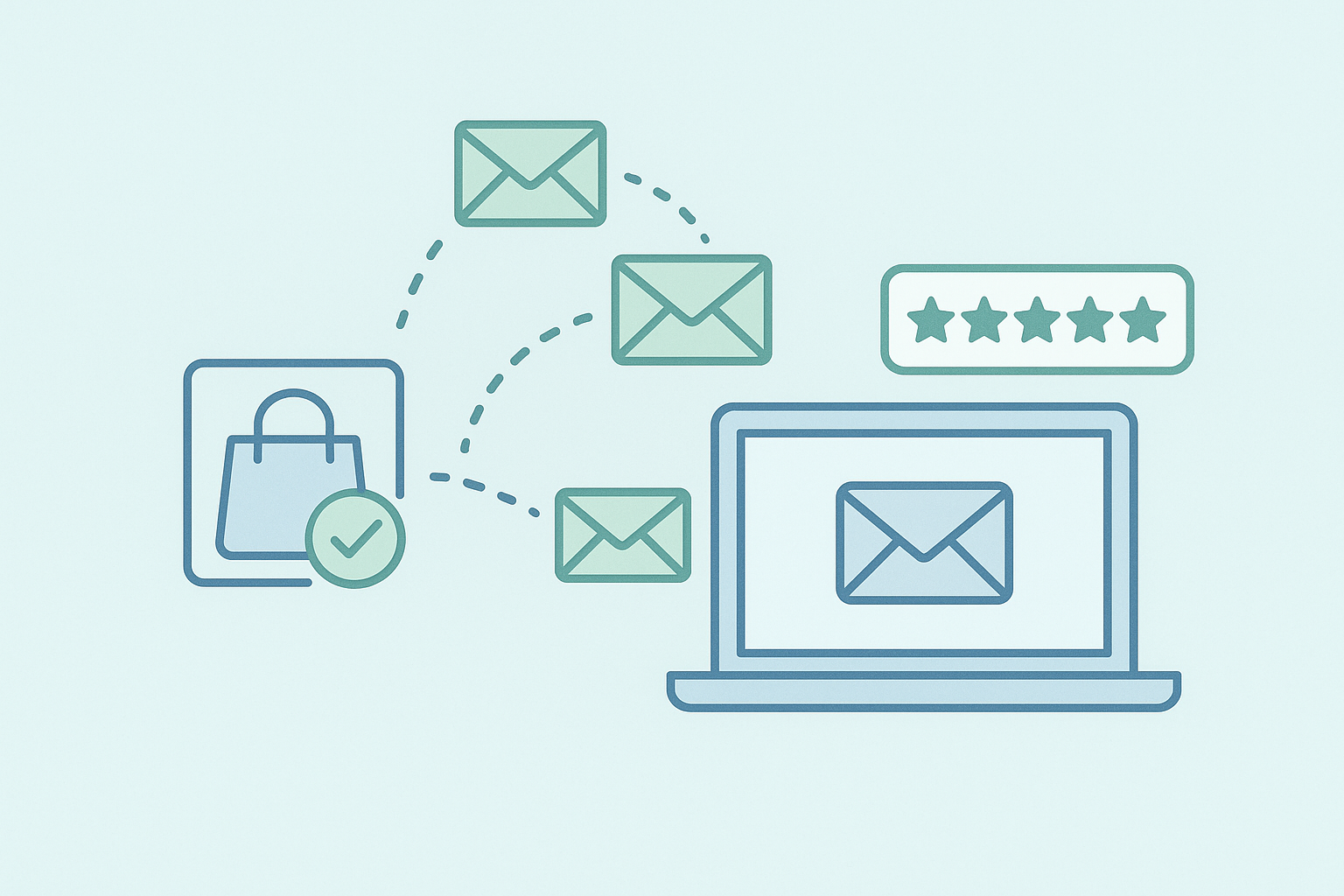
Review request email automation helps a business ask customers for feedback without relying on someone to remember every message. Instead of sending each request by hand, a system connects a customer action with an email that is sent at a chosen time. The process can save attention, keep requests consistent, and give customers a clear way to share their experience.
How does review request email automation work?
The process begins with a customer event
Review request email automation usually starts when something important happens in the customer journey. This might be a completed order, a finished appointment, a closed support conversation, or another event that shows the customer has had enough time to form an opinion.
The event acts as the starting point for the email process. A business chooses which event should create a request, then connects that event to a message. This prevents review requests from being sent at random times or to people who have not yet used the service.
The exact event depends on the type of business. A restaurant may wait until after a visit. A software company may wait until a customer has used a feature. A service provider may send a request after the agreed work is complete. Timing matters because a person is more likely to give useful feedback when the experience is still fresh.
A message is prepared in advance
Once the starting event is clear, the next step is writing the email. A review request message does not need to be long. It should explain why the customer is being contacted, ask for feedback in direct language, and provide one clear action.
A simple message might say that the business would like to hear about the customer’s recent experience and include a button leading to the chosen review page. The email can also include a short thank you and a way to contact the business if something went wrong.
Writing the message in advance gives the team a consistent starting point. It also makes it easier to check the wording, links, sender details, and privacy expectations before any requests are sent.
Timing controls when the email is sent
Sending a request immediately is not always the right choice. The customer may still be using the product or waiting to see the result of a service. For that reason, review request email automation often includes a waiting period between the customer event and the email.
The waiting period should reflect the experience. A business may ask for feedback soon after a short appointment, while a longer service may call for more time. The purpose is not to contact people as often as possible. It is to give them a reasonable opportunity to judge what happened.
Some systems can also prevent repeated requests within a chosen period. This matters when a customer has several interactions with the same business. Without a limit, one person could receive several similar messages and feel pressured.
Customer information fills the email
To make the request feel relevant, the system may use information already connected to the customer event. This can include a name, the service used, or the date of the interaction. The email still needs to sound natural. A name added to an otherwise cold message will not create a genuine conversation.
Businesses should only use information that is needed for the request. They should also check that customer records are handled according to their own policies and applicable requirements. The privacy policy is a useful place to review how personal information is treated.
The request reaches the customer
After the event, message, and timing have been set, the system sends the email when the conditions are met. The business does not need to create each message manually, but it still remains responsible for the rules behind the process.
A well planned request gives the customer a clear path. The main button should lead to the intended review page, while the surrounding text should make it clear that honest feedback is welcome. The request should not suggest that only positive comments are wanted.
It is also important to consider customers who do not respond. Silence does not mean consent for repeated reminders. If a follow up is used, it should be limited and easy to ignore. A customer should not feel trapped in a sequence of messages.
Responses need a place to go
Review request email automation is not only about sending a message. The responses need to be visible to the people who can learn from them. Public reviews may appear on a review platform, while private replies may arrive in an inbox or feedback system.
A public review can help show how customers describe their experiences in their own words. A private response can reveal an issue that needs personal attention. Both types of feedback deserve care. Ignoring a critical reply can make the original problem feel worse.
Teams can set a routine for reading responses, identifying repeated concerns, and replying where appropriate. The purpose is to understand the customer’s experience, not to pressure people into changing their comments.
Good setup requires careful rules
Before using review request email automation, a business should decide who receives requests, which event starts the process, how long to wait, and how many messages are allowed. It should also decide what happens when an email address is invalid, a customer asks not to be contacted, or a transaction is cancelled.
These rules belong in the system settings and in the team’s internal process. A clear overview of available features can help a team understand which parts of the process can be configured.
Testing is another important step. Send the message to an internal address first. Check how it looks on a phone, confirm that the review link opens, and make sure customer details appear in the right place. Test the timing as well, since a small setting can determine whether a request is sent once or several times.
Respect keeps the process useful
Customers are more likely to respond when the request feels timely, honest, and easy to understand. A short message with one clear action is usually easier to handle than a long explanation with several competing links.
Businesses should also give people a way to stop receiving requests. They need to keep contact records current and avoid contacting customers who have opted out. Clear consent practices protect the customer’s attention and help the feedback process remain respectful.
For more guidance on related customer communication practices, the Responsly blog provides additional reading. Teams can then review their own customer journey and choose the event that makes a review request feel natural.